
Home > How to Check Year-end Review Plans?
How to Check Year-end Review Plans?
Year-end review plans provide a clear overview of employee performance evaluations and their current progress. Within the Employee Portal - Admin View, you have the flexibility to search for plans, examine individual completion statuses, and update reviews as needed. Staying informed about review cycles helps managers and staff maintain transparency and keep performance records accurate.
Follow the steps below to check year-end review plans:
-
Navigate to Performance management > Year-end review. All review plans will be listed, and you can use the search box and filters to quickly locate specific items.
-
To view details for a review plan, click its name. The requirement details page shows all employees assigned to the requirement and their completion status. You can click Export on the command bar to export the plan details to an Excel file.
-
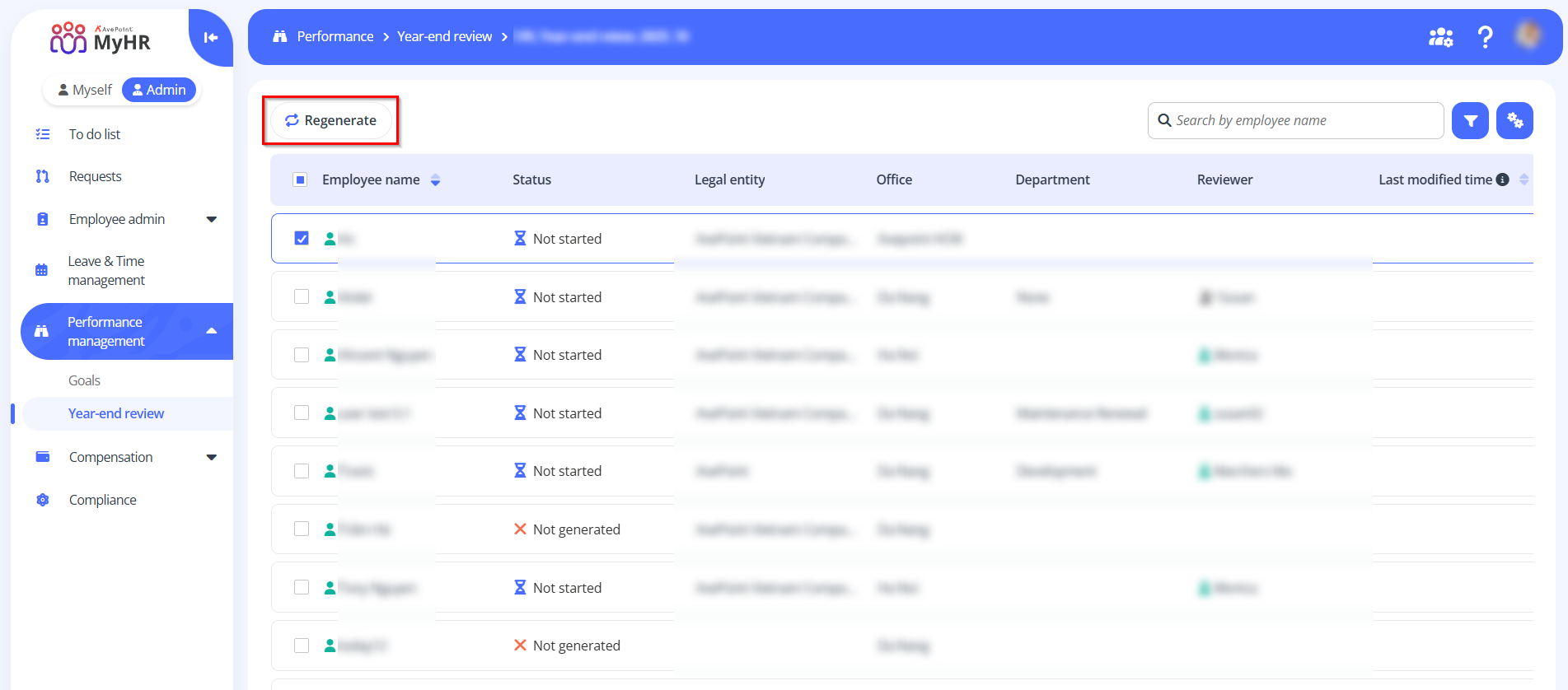
To regenerate a review plan for one or more employees, select the employees and click Regenerate.
 NOTE
NOTE- Regenerating a review plan replaces the employee's existing review with the new one.
- You can regenerate review plans only for employees whose completion status is Not generated, Not started, or Pending for review.