
Home > How to Check Requisition Requests?
How to Check Requisition Requests?
The Requisition module provides visibility into request progress and fulfillment outcomes. From the Employee Portal - Admin view, you can:
-
View requisition request details, including request status, request content, and approval-level review information. For details, refer to View Requisition Request Details.
-
Track fulfillment records after requests are completed. For details, refer to Track Requisition Fulfillment.
View Requisition Request Details
The Request page displays all requisition requests.
Follow these steps to check requisition requests:
-
Navigate to Requisition > Request. All requisition requests are listed, and you can use the search box and filters to quickly locate specific items.
-
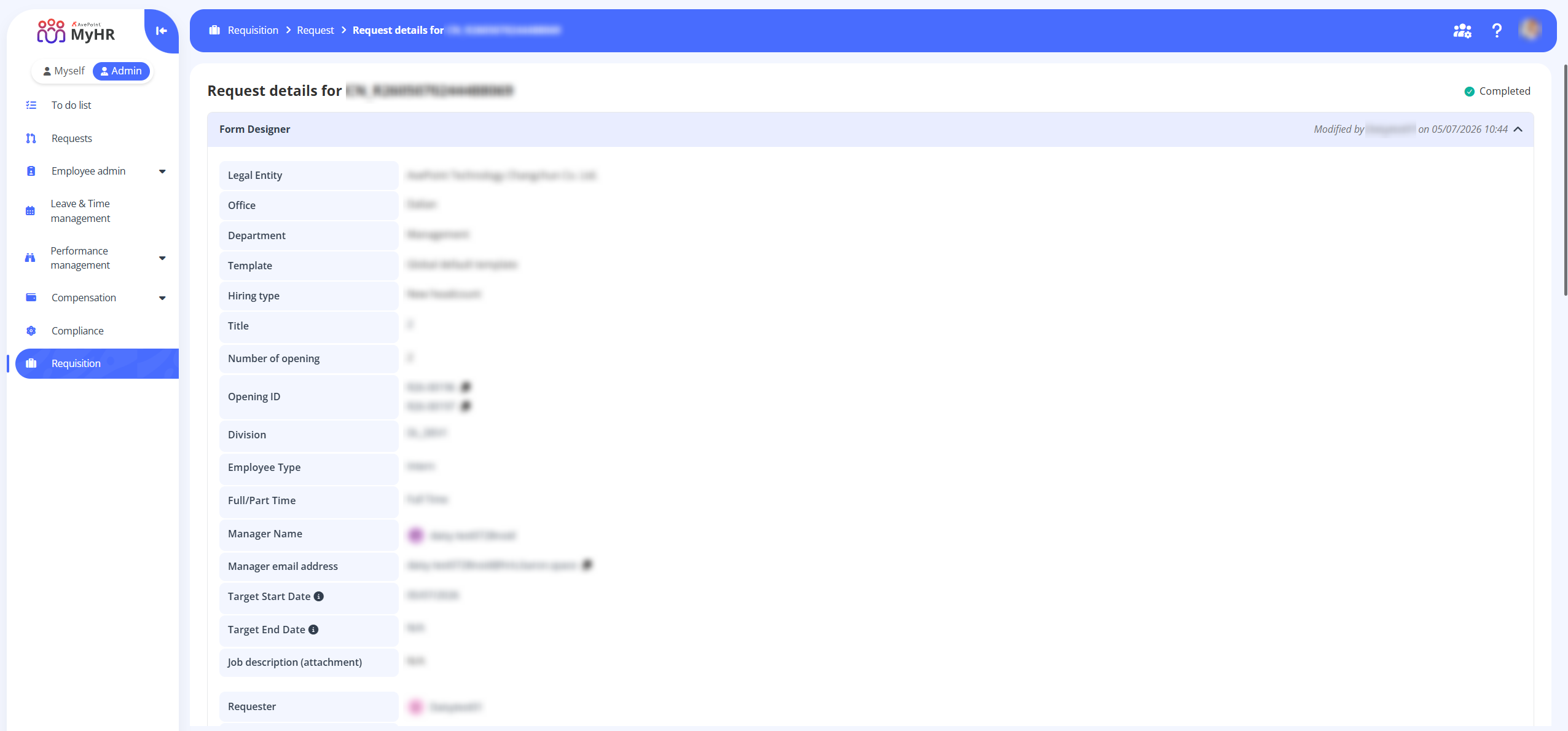
Click a request name to view its details. The details page shows the request status, request content, and review details for each approval level.
Track Requisition Fulfillment
After a requisition request is completed, a new record is generated on the Requisition > Fulfillment page, where you can track fulfillment status.
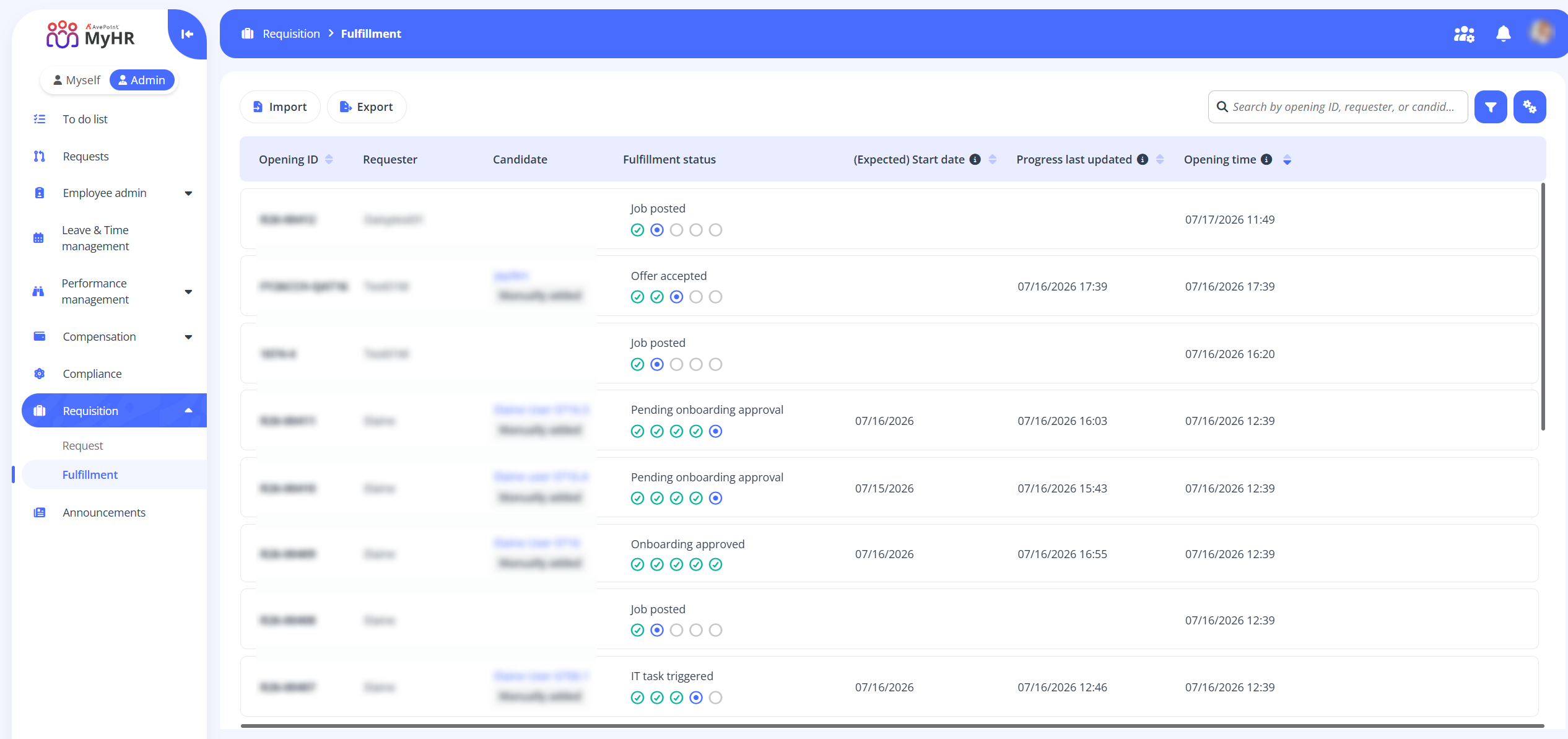
Within the Fulfillment page, you can perform the following actions:
-
View requisition request details - Click the opening ID link to view the corresponding request details.
-
View candidate profile - Click the candidate name link to view candidate information in the Candidate profile panel.
-
Import requisition fulfillment records - Click Import on the command bar. In the Import panel, click Download template to download the template. After updating it, click Browse to upload the file.
-
Export requisition fulfillment records - Click Export to export requisition fulfillment records.