Home > Configuration Portal > Compensation Management > Manage Compensation Plans
Manage Compensation Plans
Managing compensation plans is essential for supporting your organization's approach to salaries, bonuses, and incentives. With the Compensation module, you gain a unified space to oversee and refine your compensation strategies, promoting transparency and equity for all employees. MyHR makes it simple to adapt plans over time, whether you are introducing new programs, revising existing ones, or phasing out plans that no longer fit your business objectives.
To create a new compensation plan, you can create from scratch or copy an existing requirement. For details, refer to:
For the existing compensation plans, you can perform the following actions:
-
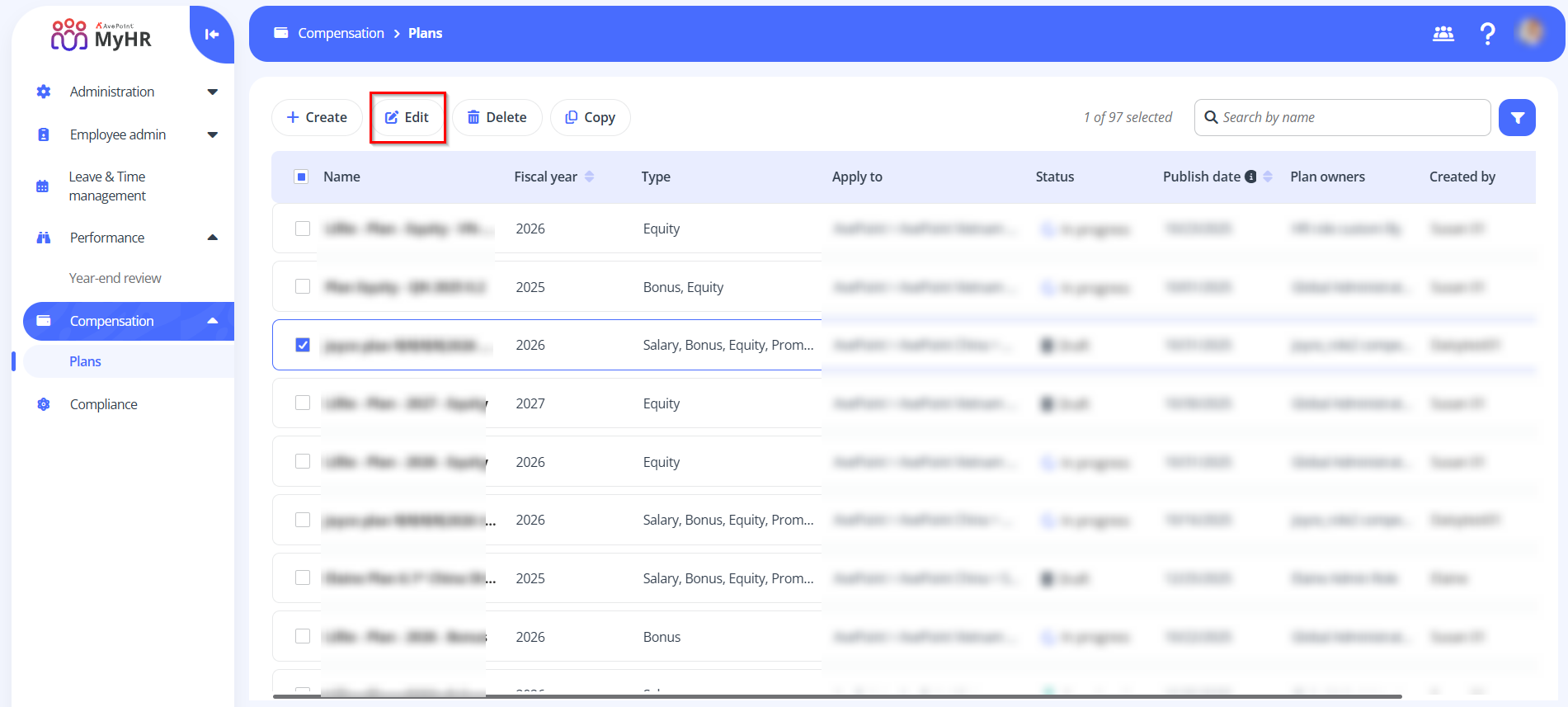
Edit – To edit a compensation plan, select a plan and click Edit on the command bar. You can also click the Edit button to edit a plan when viewing the compensation plan details.
NOTEOnly compensation plans in Draft status can be edited.
-
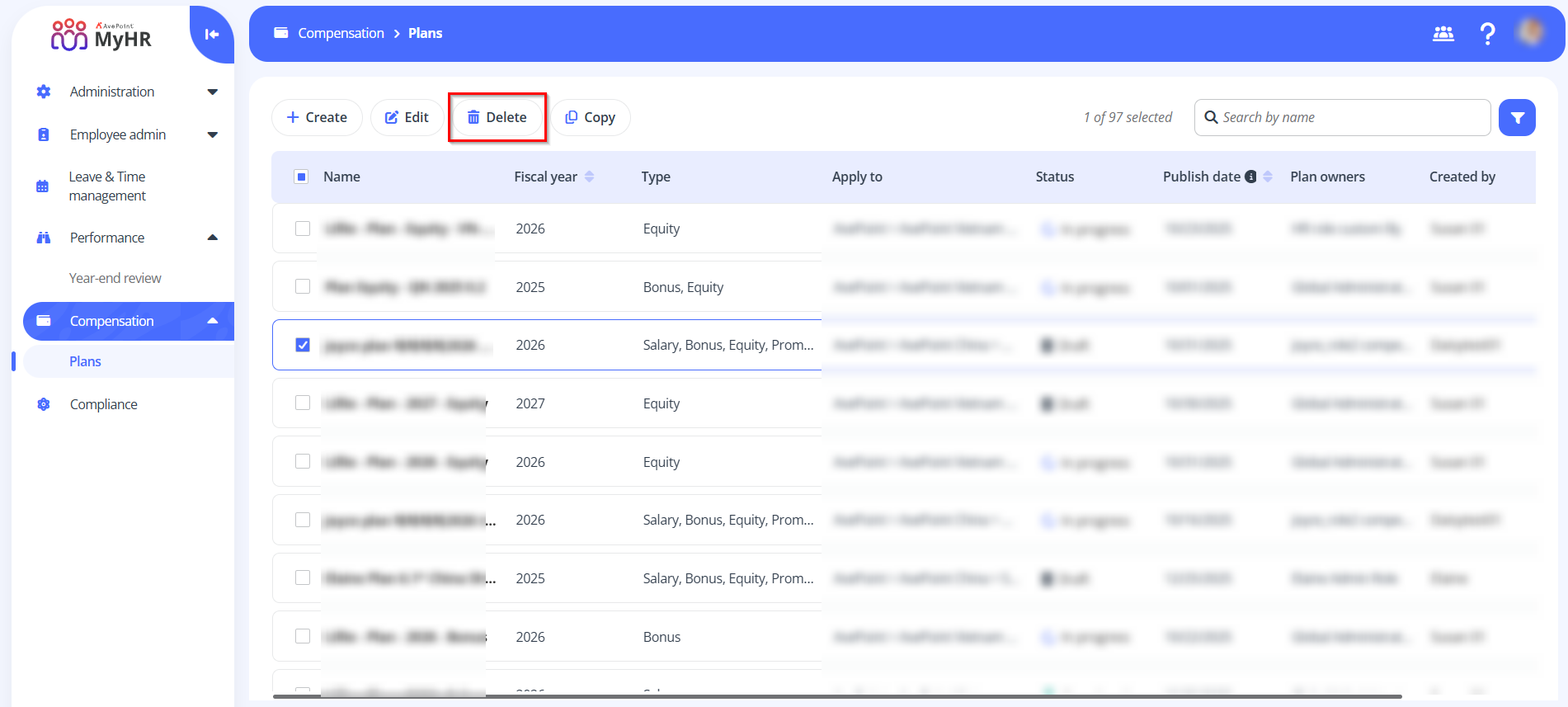
Delete – To delete a compensation plan, select a plan and click Delete on the command bar. You can also select multiple plans to delete.
NOTEOnly compensation plans in Draft status can be deleted.