
Home > Configuration Portal > Year-end Review Plan Management > Copy From an Existing Review Plan
Copy From an Existing Review Plan
Follow the steps below to create a year-end review plan by copying an existing plan:
-
Navigate to Performance management > Year-end review and then locate the layer you want to add the review plan.
-
Click Copy from an existing review plan.
NOTEOnly layers that are not inheriting review plans from their parent layers can copy an existing review plan.
-
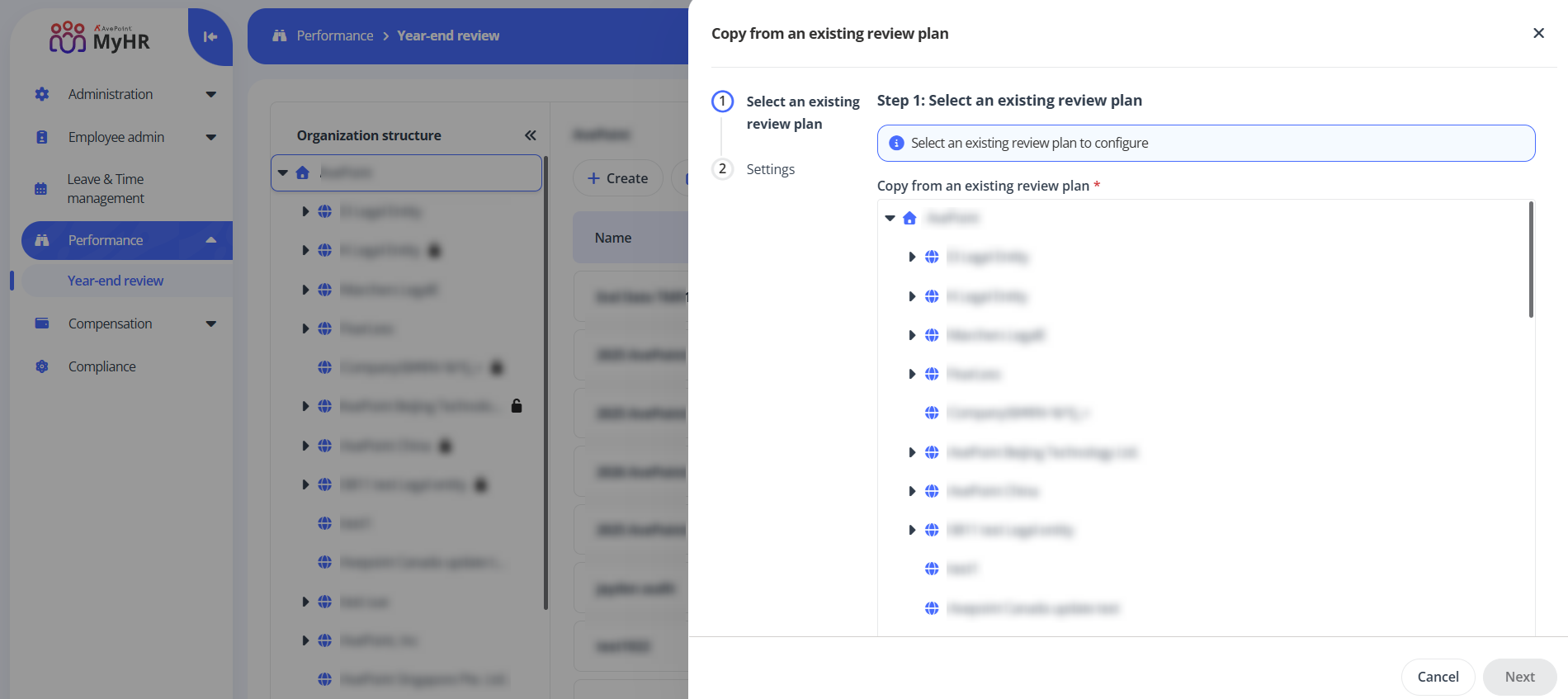
In the Copy from an existing review plan panel, locate a layer and then select a review plan from the drop-down list to copy.
-
Click Next to go to the Settings step. You can update the review plan information as required.
-
Click Save to save this review plan.
ON THIS PAGE