Home > Configuration Portal > Compensation Management > Manage Compensation Statements
Manage Compensation Statements
Providing clear and comprehensive compensation statements is vital for building trust and transparency with your employees. With the Compensation Statements module, you have a centralized platform to create, customize, and distribute compensation statements that clearly communicate the full value of what employees receive.
To create a new compensation statement profile, refer to: Create a Compensation Statement Profile
For the existing compensation statement profiles, you can perform the following actions:
-
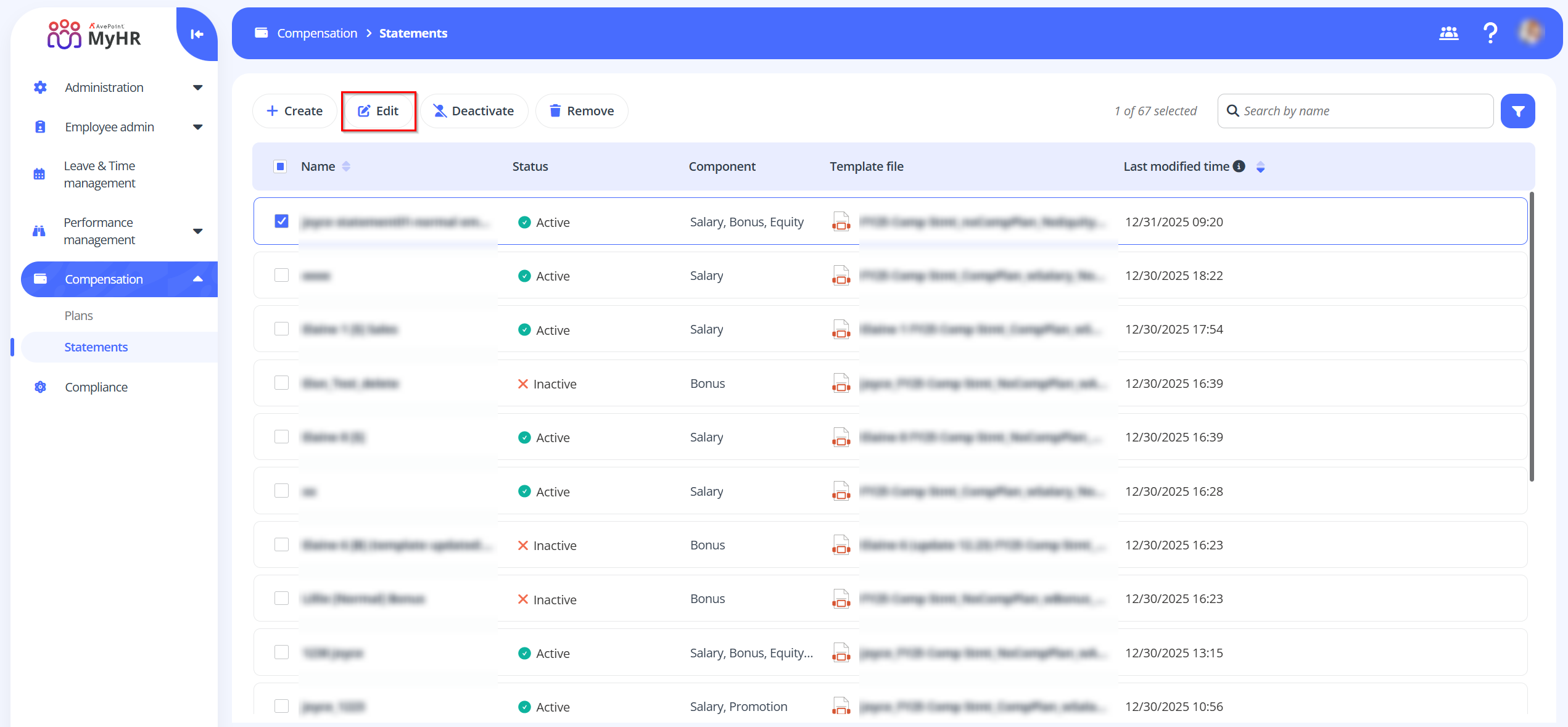
Edit – To edit a statement profile, select a profile and click Edit on the command bar. You can also click the Edit button to edit a plan when viewing the statement profile details.
-
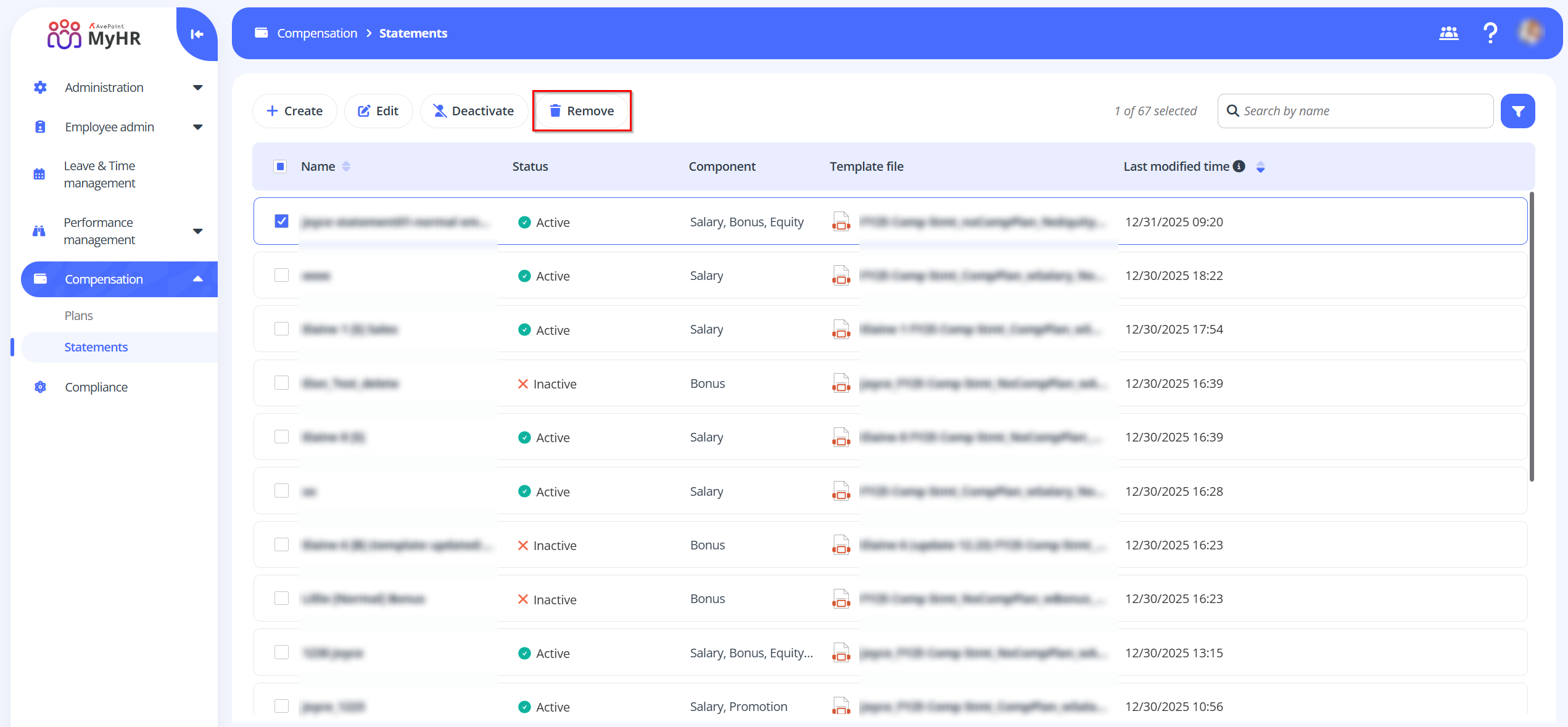
Remove – To remove a statement profile, select a profile and click Remove on the command bar.
-
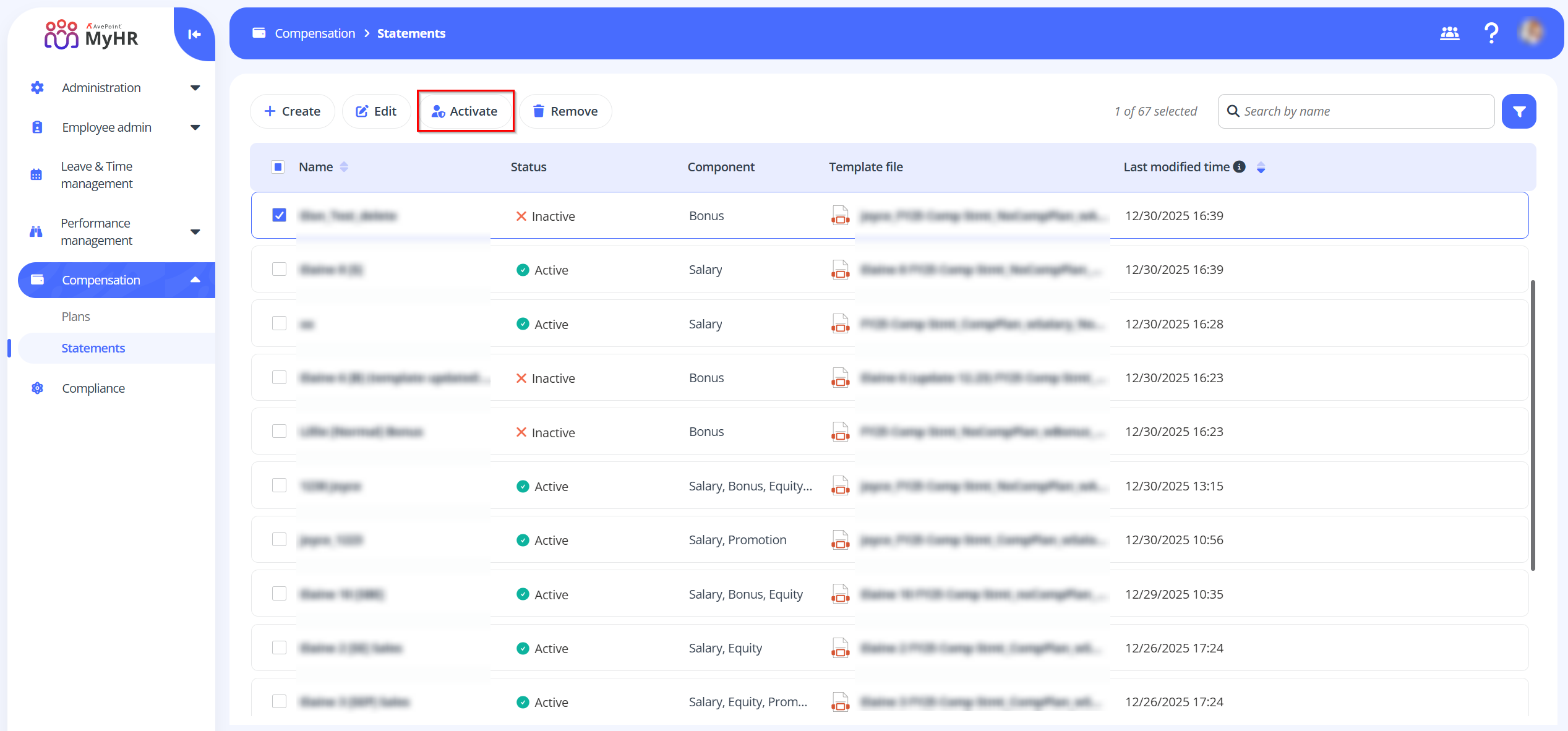
Activate - To activate an inactive statement profile, select a profile and click Activate.
-
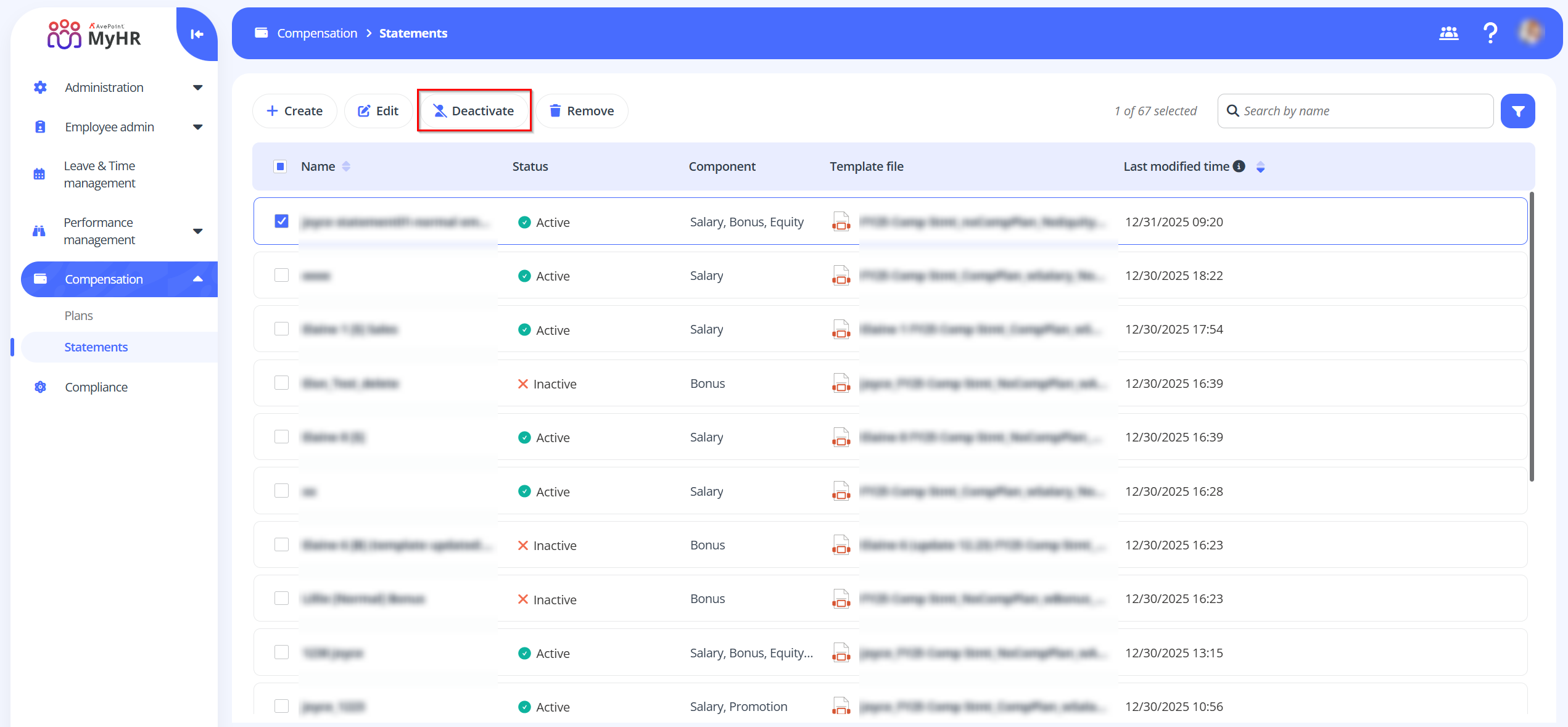
Deactivate - To deactivate an active statement profile, select a profile and click Deactivate.
NOTEInactive statement profiles will not be available in the Employee Portal-Admin view.