Home > Configuration Portal > Email Template Management
Email Template Management
Email Template Management helps administrators create and maintain reusable email templates for linked tasks. By standardizing template content, you can keep email communications clear and consistent while reducing manual effort when sending task-related notifications.
To create a new template, refer to Create a New Email Template.
For the existing templates, you can perform the following actions:
-
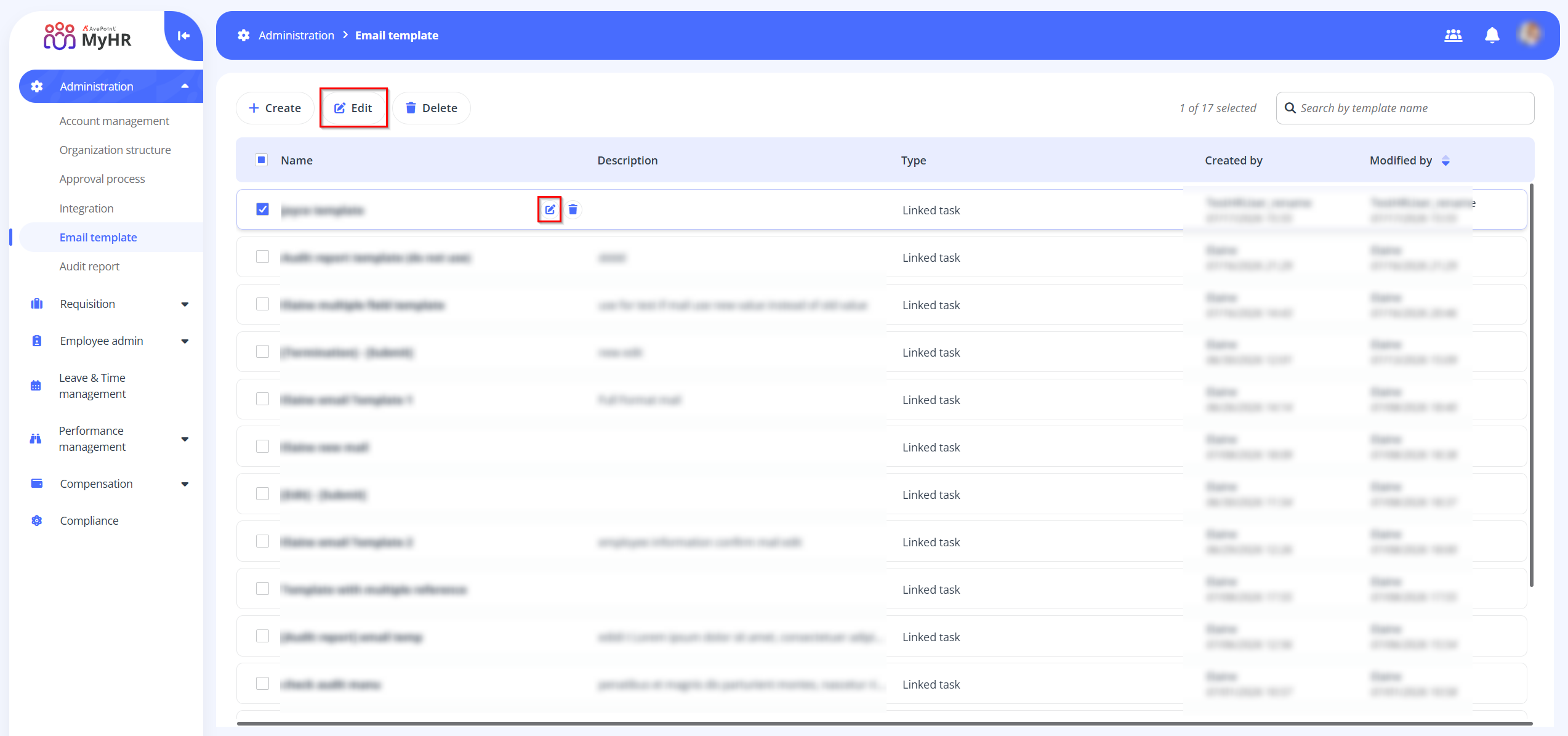
Edit – To edit a template, select a template and click the Edit button on the command bar, or you can click the Edit button when hovering over it. You can also click the Edit button to edit a template when you are viewing the template details.
-
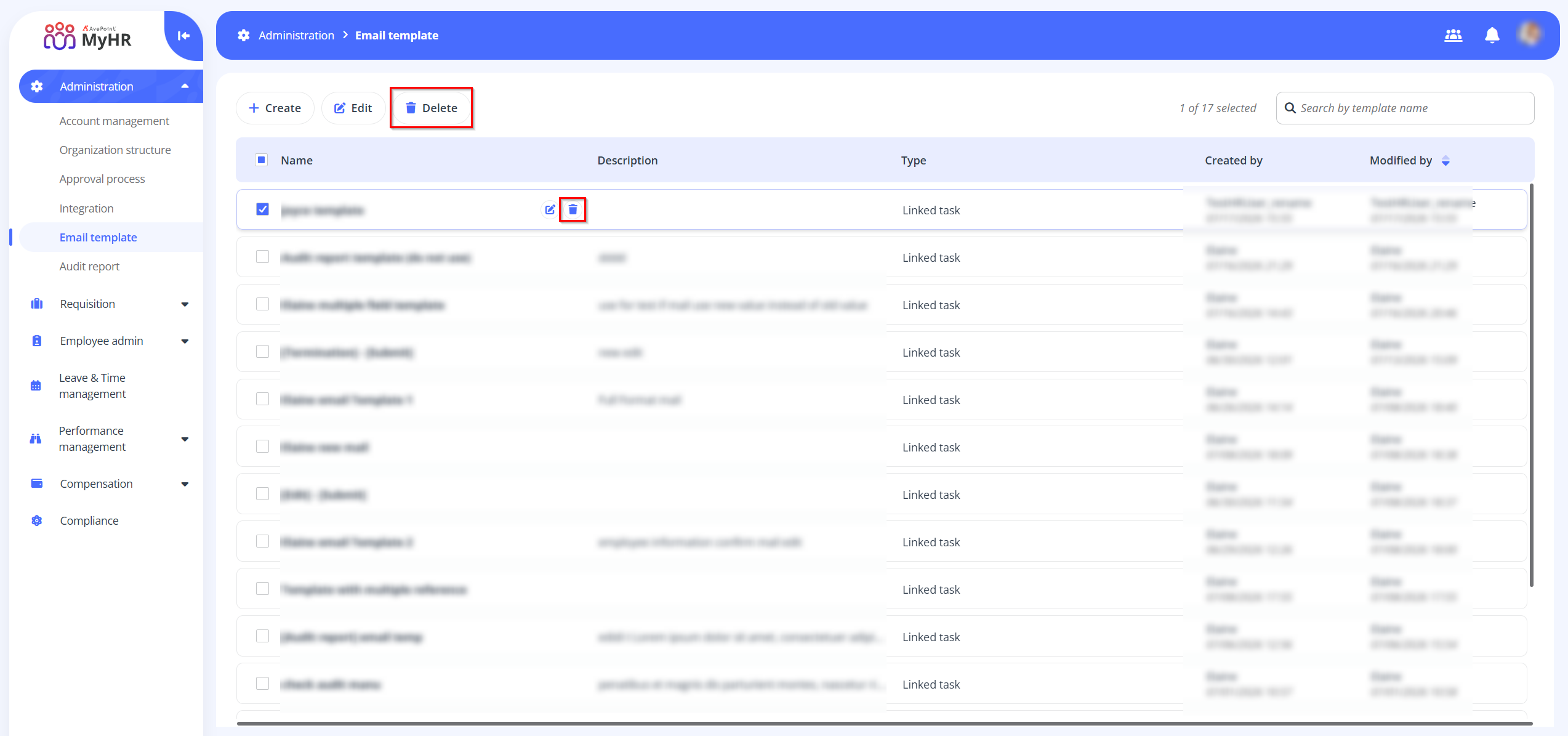
Delete – To delete a template, select a template and click the Delete button on the command bar, or you can click the Delete button when hovering over it. You can also select multiple templates to delete.